Basic Image Manipulations
Source:vignettes/basic-image-manipulation.Rmd
basic-image-manipulation.Rmd
knitr::opts_chunk$set(warning = FALSE, message = FALSE)
library(camRa)
library(dplyr)
#> Warning: package 'dplyr' was built under R version 4.5.3
#>
#> Attaching package: 'dplyr'
#> The following objects are masked from 'package:stats':
#>
#>     filter, lag
#> The following objects are masked from 'package:base':
#>
#>     intersect, setdiff, setequal, union
library(magick)
#> Warning: package 'magick' was built under R version 4.5.3
#> Linking to ImageMagick 6.9.13.29
#> Enabled features: cairo, freetype, fftw, ghostscript, heic, lcms, pango, raw, rsvg, webp
#> Disabled features: fontconfig, x11
This Vignette is only partially finished and will be updated over time as more functions are added.
camRa gives a variety of functions for manipulating and editing images. Below are basic examples of using these functions.
Prepare Data
Before running our examples, we’ll first want to grab whatever data we need. A few images from the ena24detection dataset will be used. Images are not provided with the package installation, so these will need to first be downloaded. We’ll also need the JSON file that goes with the ena24detection subset, as this contains information for bounding boxes.
#Get file paths
json_file <- system.file(
  "extdata",
  "ena24subset_SpecNet_recognition.json",
  package = "camRa"
)

image_files <- c("8491.jpg", "8537.jpg")

#Download image for ena24detection
if (!all(file.exists(image_files))) {
  LILA_download(
    dataset = "ena24detection",
    files = image_files,
    dir = getwd(),
    quiet = TRUE
  )
}

#Read in Images
images <- lapply(file.path(getwd(), image_files), image_read)
Since we’re only wanting a few images’ data from the JSON file, we’ll
extract that and filter out information about other images. The easiest
way to get into a JSON file like this is usually with
megadet_flatten() which converts it to a table.
#Flatten JSON to make it easier to use
detection_data <- megadet_flatten(json_file)

#Filter JSON Data
detection_data <- filter(detection_data, file %in% image_files)
Adding Bounding Boxes to Images
Bounding boxes can be drawn on images using
img_draw_bbox(). For images with multiple bounding boxes,
you can feed the image back into the function iteratively for each
bounding box. For a single bounding box, things are of course a little
simpler.
#Filter for image's bbox data
image_data <- filter(detection_data, file == image_files[[1]])

image <- images[[1]]
for (i in 1:nrow(image_data)) {
  #Format bounding box
  bbox <- image_data[i, c('bbox_x', 'bbox_y', 'bbox_width', 'bbox_height')] |>
    unname() |> unlist()

  #Apply Bounding Box
  image <- img_draw_bbox(image, bbox, border = "red", lwd = 5)
}

print(image, info = FALSE)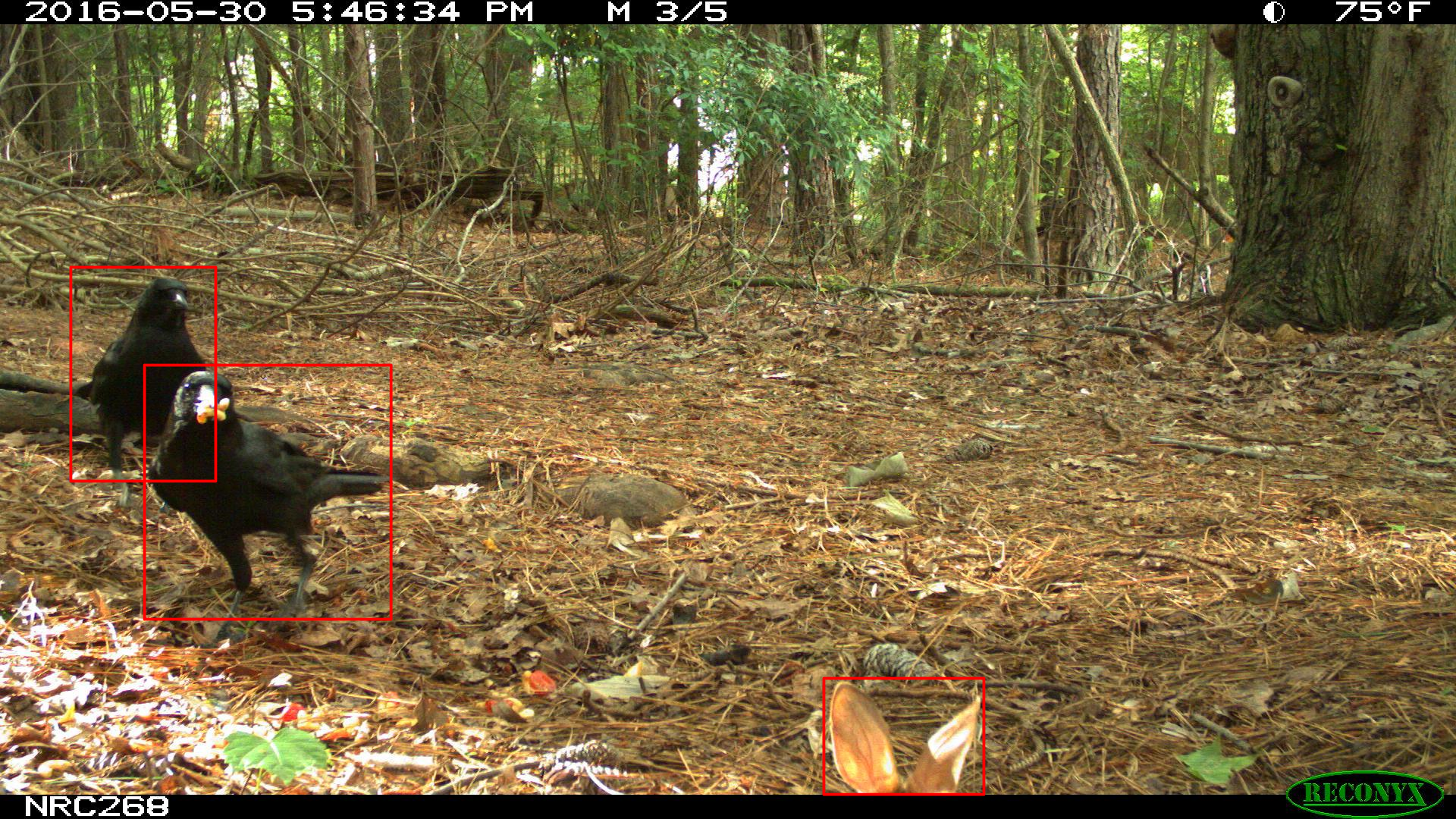
Crop Using Bounding Boxes
Bounding boxes can be used to crop images using
img_crop_bbox(). This may be of use if you plan on using
MegaDetector to detect and cutout training data for a different computer
vision model or if you want to remove the camera strip before using the
image in other functions.
#Filter for image's bbox data
image_data <- filter(detection_data, file == image_files[[1]])

#Format bounding box
bbox <- image_data[1, c('bbox_x', 'bbox_y', 'bbox_width', 'bbox_height')] |>
  unname() |> unlist()

image <- images[[1]]

image <- img_crop_bbox(image, bbox)

print(image, info = FALSE)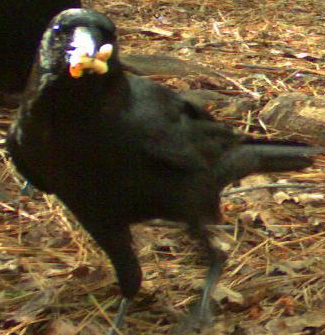
Calculate Luminosity/Brightness
Luminosity images can be calculated using
img_luminosity(). This could be useful for workflows that
attempt to remove images based on if the image is “washed out” where the
luminosity across the entire image would be very high. By default, this
provides a grayscale version of the image but colorspaces with specific
luminosity or brightness channels are available.
image <- images[[1]]

image <- img_luminosity(image)

print(image, info = FALSE)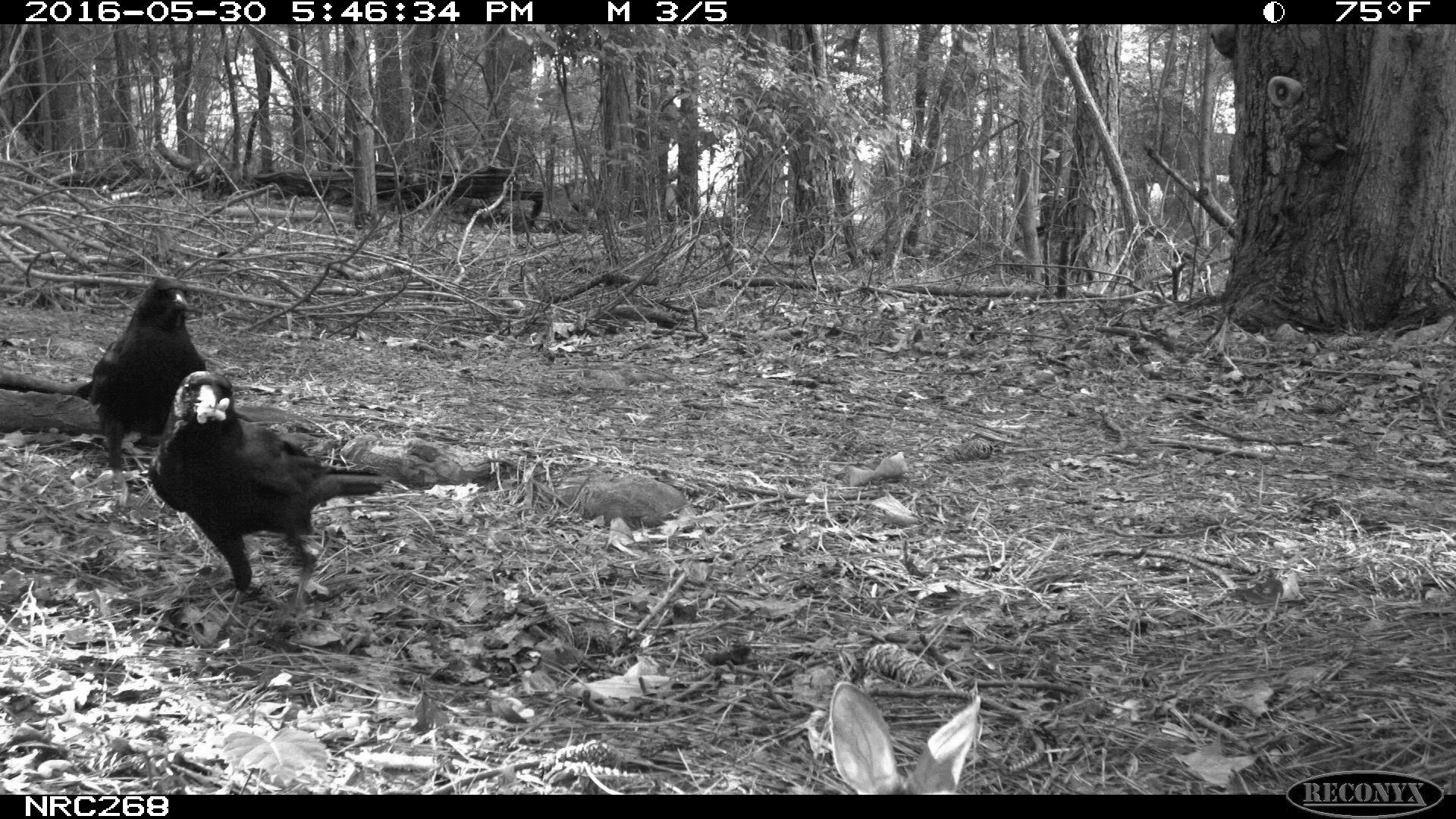
Calculate Differences Between Images
A difference image can be created using
img_difference(). The values in the output are absolute
pixel differences, which is the same metric used by Timelapse when
viewing the difference from the last image. A workflow comparing images
against the previous one and determining the average difference value
could potentially remove sequential images that are almost identical and
likely mis-triggers.
image1 <- images[[1]]
image2 <- images[[2]]

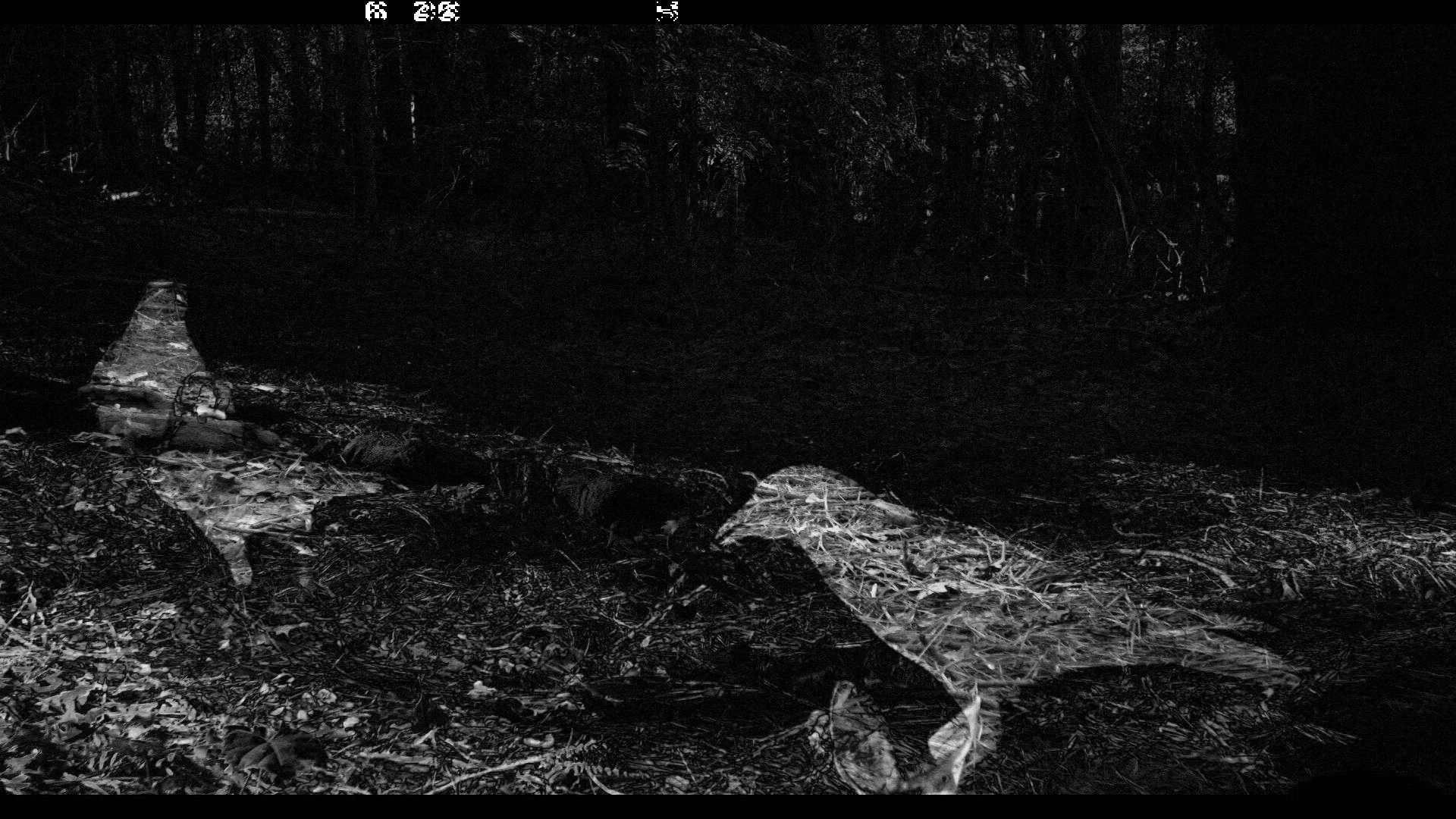
image <- img_difference(image1, image2)

print(image, info = FALSE)